

When the Link Refuses to Behave
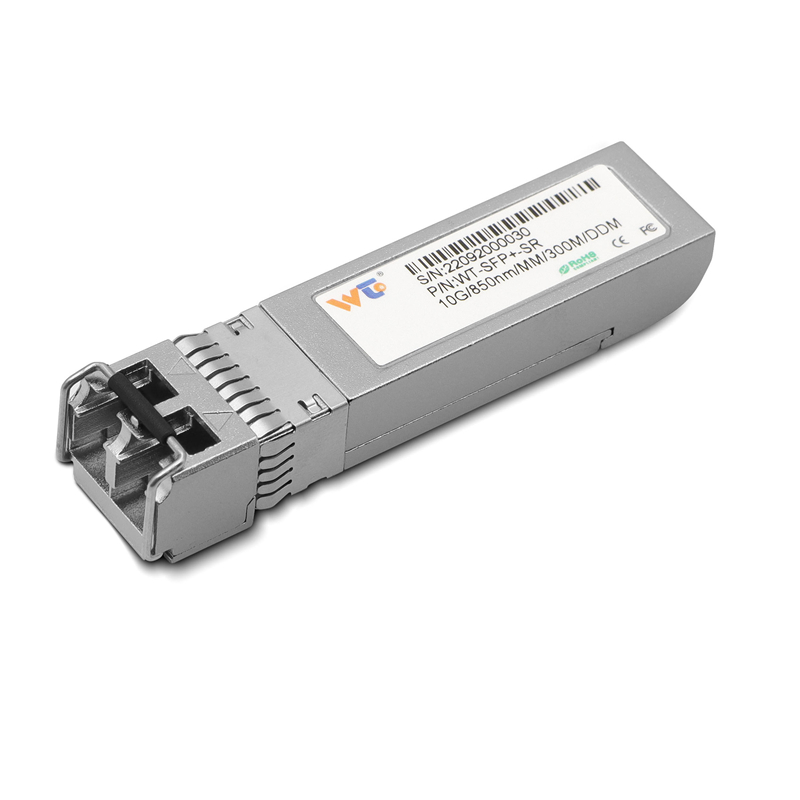
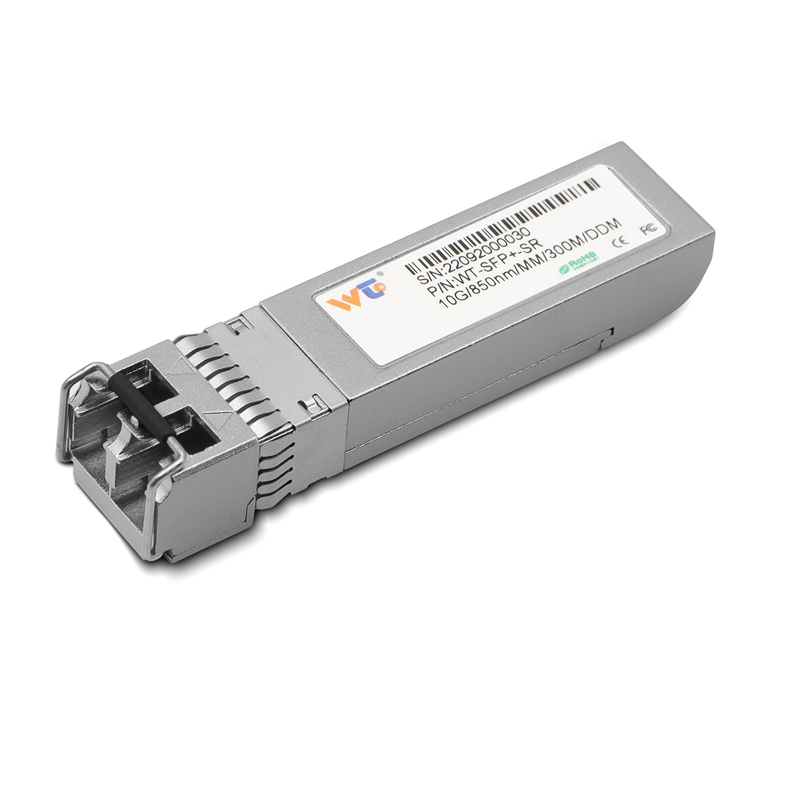
FEC mismatches on 100G QSFP28 CWDM4 or 10G SFP+ links are the kind of problem that turns a promising maintenance window into a soap opera. Start by accepting that the network is not conspiring — it’s just honest hardware reporting failures in terms like FEC and BER. If you need an immediate replacement while you diagnose, consider a compatible 10g sfp+ transceiver and keep reading; this guide will point out what to check first and what to avoid.
Identify the Mismatch Quickly
Begin with link-level telemetry. Check negotiated speed, duplex, and the FEC mode on both ends: off, baseline, or RS-FEC. Compare reported BER and symbol lock status from the optics and the switch. Mismatched FEC modes are a frequent culprit: one end wants RS-FEC while the other expects none. Also confirm physical layer details — wavelength for CWDM4, connector cleanliness, and single-mode fiber continuity — before changing software settings.

Practical Fixes and Configuration Steps
Apply these steps in order; they’re the minimal effective set that prevents pointless hardware swaps.
– Align FEC modes in the switch and the transceiver firmware. If the gear supports auto-negotiation, validate that it actually negotiates rather than defaulting to a vendor preset.
– Re-run link training after any FEC change to let the PHY settle. Watch for PCS lane alignment messages on QSFP28 modules; these are honest indicators of whether the optics and host are talking the same language.
– If you see persistent high BER despite matched FEC, test with a short, known-good patch or loopback. Replace suspect fibers or splitters one at a time — this isolates physical impairments without tossing functional transceivers prematurely.
Common Mistakes to Avoid
People make the same mistakes because they’re efficient at it. First, never assume vendor A’s “auto” is vendor B’s “auto.” Second, do not replace a transceiver without reproducing the error on two independent ports — transient noise or a bad patch can masquerade as module failure. Third, don’t mix modulation or lane configurations; QSFP28 with a CWDM4 breakout feeding SFP+ on a passive cable can expose subtle incompatibilities.
Testing and Validation
Run sustained throughput tests and capture error counters over a meaningful window — minutes won’t do; run tests for at least an hour under load to see intermittent FEC corrections and microbursts. Use loopback diagnostics at the host and switch to separate PHY issues from MAC or driver problems. Keep a log of pre-change counters to avoid chasing expected error clears after a reset — you’ll thank yourself during postmortem.
Vendor Notes and Real-World Anchor
Different vendors name modes differently and ship firmware with prioritization quirks. Equinix and other Ashburn, Virginia data centers host dense deployments where mismatched FEC settings have caused measurable degradation during migrations — operators there learned to standardize FEC profiles during upgrades. For field teams, maintain a small inventory of confirmed-compatible SFP+ and QSFP28 parts and document the exact firmware versions that passed validation.
Operational Checklist and Common Alternatives
– Confirm physical layer (fiber type, distance, CWDM4 wavelength).
– Match FEC modes and re-run link training.
– Validate with loopback and a known-good 10g ethernet sfp if testing 10G segments.
Alternatives: if persistent errors remain, evaluate using DAC or active optical cable for short runs, or consider upgrading both ends to QSFP28 with consistent firmware. Track {main_keyword} and {variation_keyword} during the operational production teardown to keep configuration drift visible.
Advisory: Three Golden Rules
1) Metric-first troubleshooting: prioritize BER trend, FEC correction rate, and link uptime before swapping hardware. These three metrics tell the true story. 2) Standardize settings: lock FEC policies in configuration templates and push them via automation to avoid human mismatch. 3) Validate physically: fiber continuity and connector inspection take five minutes and can save hours — do it before any module change.
Teams that follow these rules reduce repeat incidents and make migrations predictable — and if you want parts that match tested profiles, a stocked vendor inventory delivered reliably will save more time than ad-hoc purchases. WINTOP.