


Quick compare that sets the scene
Yuh lookin’ fi a supplier fi Tizen Smart TV, den yuh haffi weigh clear differences — not just price. Compare who push firmware fast, who back up warranties, and who actually test panels before ship. Whether yuh deal direct wid a monitor maker or cross-check with a monitor manufacturer, yuh want a list that points to real trade-offs: panel tech, OS integration, update cadence, and after-sales service.
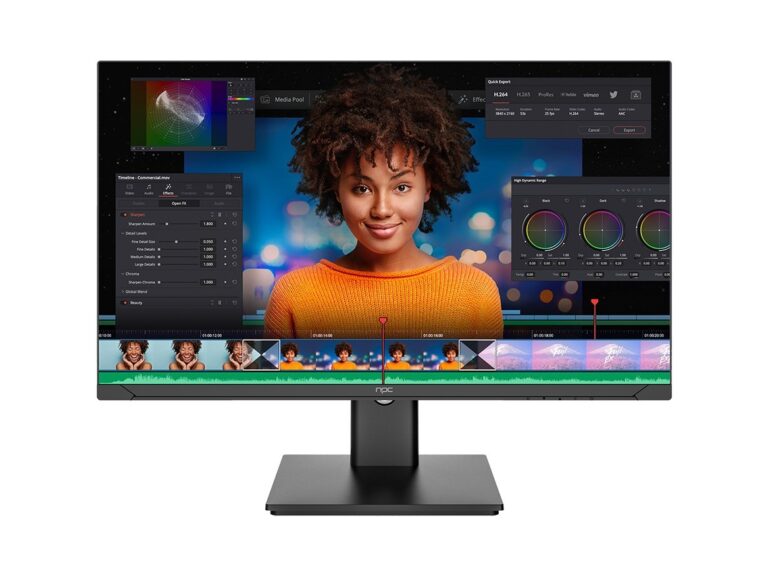
Panel quality and real performance
Not all panels behave same. Ask for native resolution, peak luminance, contrast ratio, color gamut (DCI-P3 percentage), and refresh tech. IPS bring wide viewing angle but sometimes less contrast; VA gimme deeper blacks but angle shifts; OLED give perfect black but watch for burn-in risk. Demand factory calibration data and delta-E charts so yuh not guess at color accuracy.
Software fit: Tizen integration and updates
Tizen look sweet on paper, but supplier skill matters. Compare how they handle SDK versions, preinstalled apps, and middleware for device management. Check their OTA schedule: weekly? quarterly? Suppliers who bundle long lag times mek deployments brittle. Get a clear statement on who owns security patches and how rollback works if an update bricks a set.
Certifications, compliance, and real testing
Look for CE, FCC, RoHS, and energy-label data. Suppliers who skip independent lab tests save money now but cost you later. Commission test reports for EMI, thermal stress, and backlight uniformity. At big shows like CES in Las Vegas, major OEMs and panel makers show measurable advances in HDR handling and low-latency modes, and those demonstrations often reference standardized bench tests for computer display performance — that’s the kind of verifiable data yuh should ask for.
Supply chain, lead time, and MOQ realities
Price sweet now but check lead-time math. Compare minimum order quantities, buffer stocks, and how supplier manage component shortages. Some offer consignment stock to smooth launches; others push long lead times with sudden price bumps. Get commitment on lanes: shipping origin, customs handling, and penalties for missed dates.
Warranty, repairability, and support
Compare warranty length and what it covers. Panel failures, backlight defects, and firmware faults need different remedies. Does supplier provide spare-part kits and service manuals? Ask who trains your technicians and whether remote diagnostics are available. Faster diagnosis beats a cheap set that sits idle while you wait for parts.
Common pitfalls buyers keep repeatin’
First, trusting glossy spec sheets without test logs. Second, assuming all Tizen builds are equal — vendor customizations change behavior. Third, ignoring thermal testing for displays used in enclosed kiosks or humid zones. Fourth, letting price dictate supplier choice without checking patch cadence or replacement lead time.
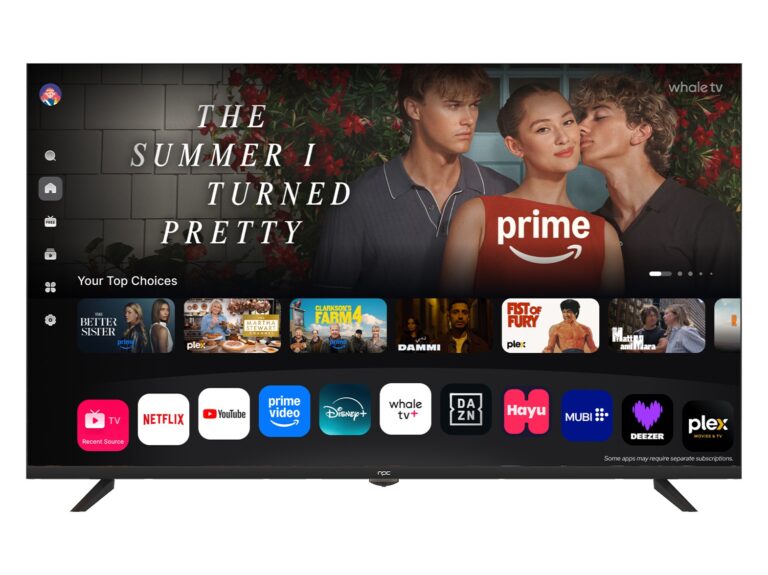
How to score suppliers — a simple matrix
Make a scoring sheet with five columns: panel fidelity, firmware & security, certifications & test reports, lead-time resilience, and support & spare parts. Give each supplier a 1–10 on evidence, not promises. Use sample units for a 30–90 day soak test. That small upfront effort show who truly deliver versus who just sell specs on paper.
Final synthesis
Yuh compare like dis and yuh cut noise: test data over talk, update cadence over pretty UI, clear service paths over lowball warranty. When yuh need a partner who matches the scorecard and can handle sourcing, testing, and steady supply, look for the outfit that fronts verifiable test logs, transparent timelines, and spare-part planning — that’s where npc fit natural with the practical value yuh need.
