


Where to start
Think of sourcing wholesale TVs like choosing a reliable laptop manufacturer: you look at components, warranties, and the vendor’s willingness to stand behind their product. For a small shop, the choice narrows around three trade-offs — price, feature set, and after-sales support. This piece compares those trade-offs so you can pick the right lane.
Panel tech and picture quality — what matters
Compare IPS, VA, and OLED the way you compare raw performance numbers. IPS gives wide viewing angles and consistent colors; VA delivers deeper contrast for darker rooms; OLED offers the best black levels but costs more and may have limited supply. Don’t overpay for specs you won’t sell: match panel tech to typical customer needs — budget buyers want bright, reliable displays; boutique customers want top contrast and color accuracy.
Smart OS, updates, and real-world usability
Two TVs can share the same screen but behave differently during use. Some platforms ship with clunky interfaces and poor update cadence. Pay attention to whether the vendor issues security patches and OS updates, and ask how frequently they push fixes. A smooth, responsive interface reduces returns and support tickets.
Supplier models and pricing: OEM, ODM, or distributor
There’s a clear distinction between buying direct from an OEM, an ODM-branded line, or through a local distributor. OEMs let you customize and secure component sourcing but usually require higher minimums. ODMs offer quicker turnaround and lower MOQ but limited branding control. Distributors provide single-unit flexibility and local support at higher per-unit cost. Compare lead times, MOQ, payment terms, and how warranty claims are handled before you commit.
Common pitfalls retailers miss
Watch for certification gaps, regional power compatibility, and misleading spec sheets. Some vendors list peak brightness instead of sustained brightness; others omit duty-cycle info that matters for continuous-display use. Avoid relying solely on promotional photos—request sample units and log basic tests: panel uniformity, backlight bloom, sound clarity, and network stability. Pricing that seems too good usually hides longer lead times, poor packaging, or minimal returns handling.
Expert perspective and market anchor
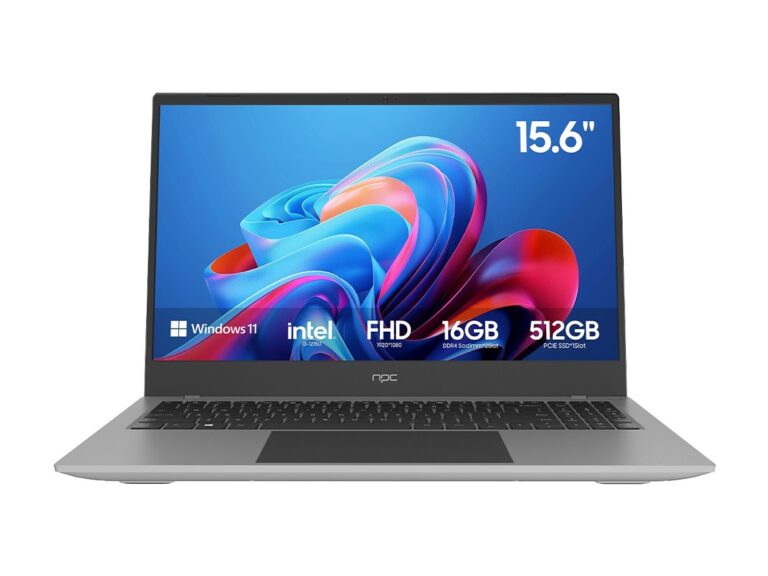
I’ve audited supply chains and done storefront pilots with several electronics distributors, so I look for repeatable signals: consistent QA reports, transparent component sourcing, and responsive RMA processes. At CES, manufacturers rolled out new displays and supply-chain commitments that changed shipment expectations this year; that event made it clear how quickly panel shortages and firmware readiness can shift orders. For comparison across categories, consider how decisions about build quality mirror those for a high performance business laptop—durability, thermal design, and reliable firmware updates determine customer satisfaction over time.
How to decide for your store
Run a short validation order: 10–20 units from two suppliers, test them under real-store conditions, and track returns and customer feedback for a month. Negotiate SLA terms for replacements and ask for clearer warranty timelines than what’s printed. If you sell to corporate clients or install in public spaces, prioritize vendors that offer certified power compatibility and extended support packs.
Bottom line
Compare vendors by concrete metrics — panel type, update cadence, MOQ, and real warranty behavior — rather than marketing blurbs. Choose the supplier that meets the profile of your typical customer and that has demonstrated consistent quality on pilot runs. For curated options and steady support that align with those priorities, consider how npc fits into this model: they offer traceable sourcing, clear warranty terms, and products that matched our pilot checks, which makes stocking decisions simpler and less risky.
